
Clear file retention limits
Videos are uploaded for server-side compression. Source videos are scheduled for cleanup after the task ends. Results are normally available for 24 hours; check the expiry on your task.
Set a target size for chats and attachments, or choose quality-based compression. Export MP4 without a watermark. Start with free compression credits.
MP4 · H.264 · ≤ 19 MBMP4 · H.264 · ≤ 19 MB · Original · Fast
Checking compression access...
Set a file size limit for sharing, compare the result, and download your MP4 without a watermark.
Videos are uploaded for server-side compression. Source videos are scheduled for cleanup after the task ends. Results are normally available for 24 hours; check the expiry on your task.
Use target-size compression for a size ceiling. Choose quality-based compression when size is flexible; the result depends on your source and settings.
Supports MP4, MOV, WebM, and MKV with supported video and audio codecs in standard dynamic range (SDR). The file is checked before processing; HDR and Dolby Vision are not supported.
Large uploads pick up where they left off when you reselect the same file, and every task shows its real status instead of a blank spinner.
Your compressed copy comes back clean — nothing stamped over the picture, including on free tasks.
Use a current desktop or mobile browser without installing an app or extension. Visitor compression credits let you start without an account.
Choose a suggested target size, check your video and estimated credits, then compress with the video size reducer and download the MP4.
Choose a Discord, Email, WhatsApp, or Instagram preset. Check any limit shown by the destination. Use Custom to adjust target size, quality, or resolution.
Click the upload area or drop an MP4, MOV, WebM, or MKV file. Preview the video and check the estimated credits before starting. You can replace or remove the file if you picked the wrong one.
Click Start Compression and follow the overall progress and processing stages. When it finishes, preview the result in the same area, compare file sizes, and download the MP4. The video retention period appears below the result.
Use the video size reducer to prepare a smaller MP4 for chats and attachments. The right target depends on the limit your account shows and the quality you need.
Compress to a 19MB MP4 for Discord’s current 20MB free upload limit. If your account shows 10MB, switch to the 9MB target.
Open compressorStart with an email attachment preset, then check your provider's total message limit.
Open compressorStart with a suggested target and adjust it for how you plan to send the video.
Open compressorStart with balanced quality, keep the source aspect ratio, and review the result before posting.
Open compressorVideo Size Reducer is an online video compressor for supported SDR MP4, MOV, WebM, and MKV files. Set a target file size or choose quality-based compression, then download an MP4 without a watermark.
Visitor and free-account source videos are limited to 1 GiB. Starter supports up to 2 GiB and Pro up to 5 GiB when that capacity is enabled. The limit that applies to you is shown next to the upload area before you choose a file.
Three videos tested with our live video size reducer: phone footage, a screen recording, and a longer video. Compare file sizes, settings, times, videos, and matching frames.
Tested
Source 48.58 MiB → Compressed 39.18 MiB
19.4% smallerFootage shot on an iPhone 7, using the version available from Wikimedia Commons. This is a downloaded copy, not a camera-original file.
In a single test on 2026-09-16, this 30.8-second video went from 48.58 MiB to 39.18 MiB (19.4% smaller) using H.264, CRF 21, fast. Resolution: 1920×1080 → 1920×1080.
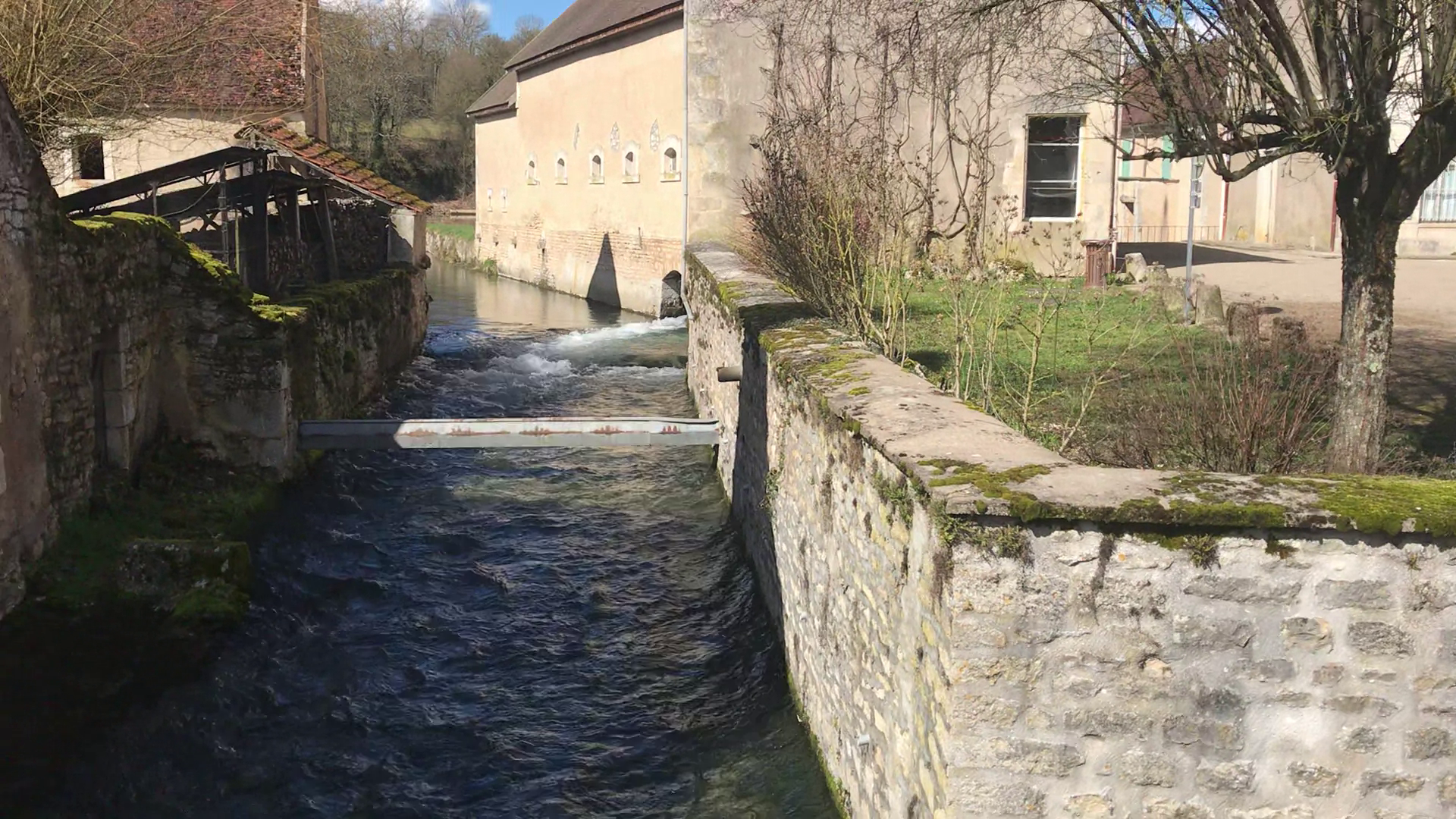
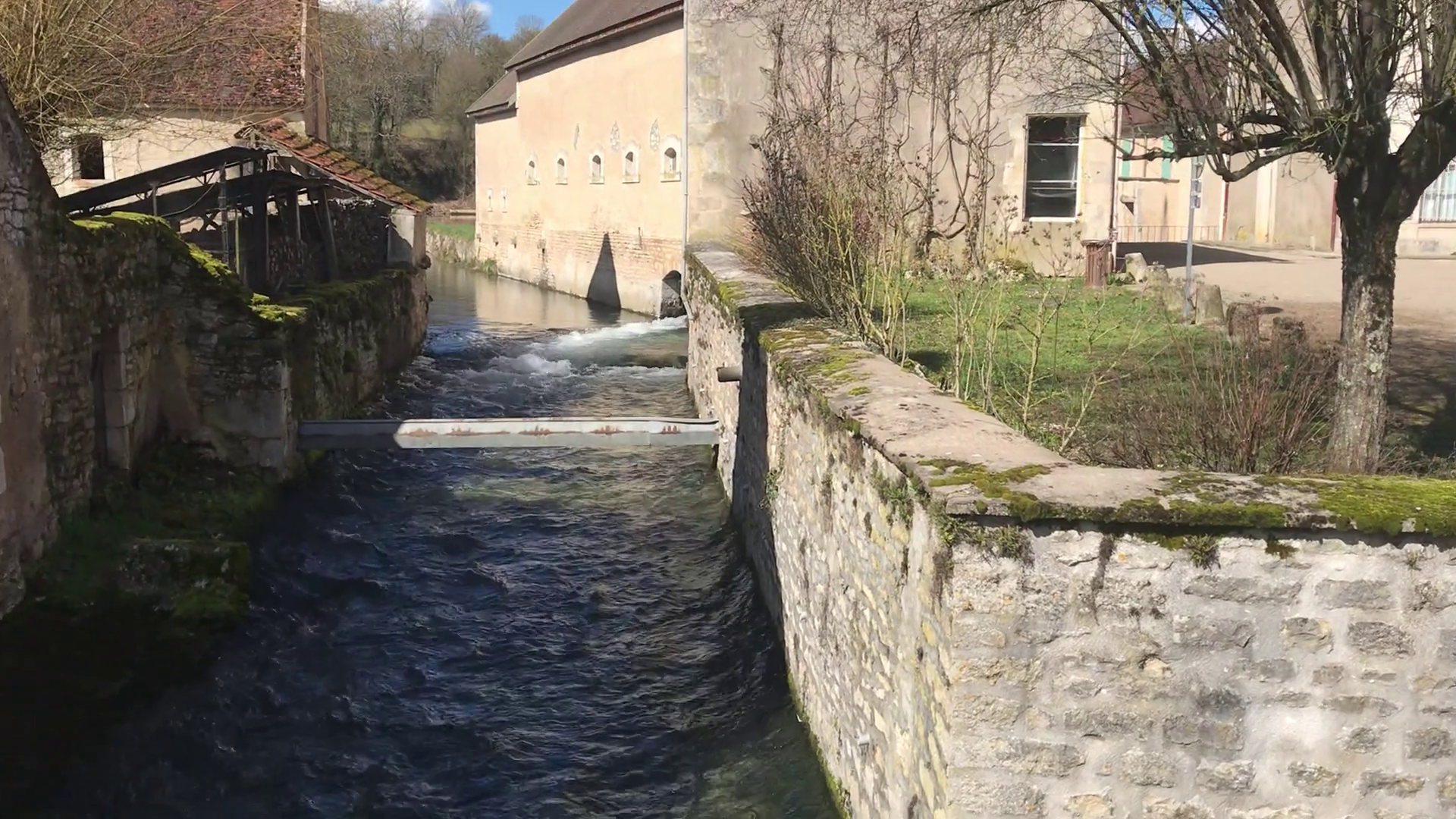
Source: Druyes river — iPhone 7 footage · Benoît Prieur · CC0 1.0
Tested
Source 3.16 MiB → Compressed 2.19 MiB
30.9% smallerAn automated recording of an original test webpage, with small text and scrolling. Use the matching frames to compare text edges.
In a single test on 2026-09-16, this 60-second video went from 3.16 MiB to 2.19 MiB (30.9% smaller) using H.264, CRF 21, fast. Resolution: 1920×1080 → 1920×1080.
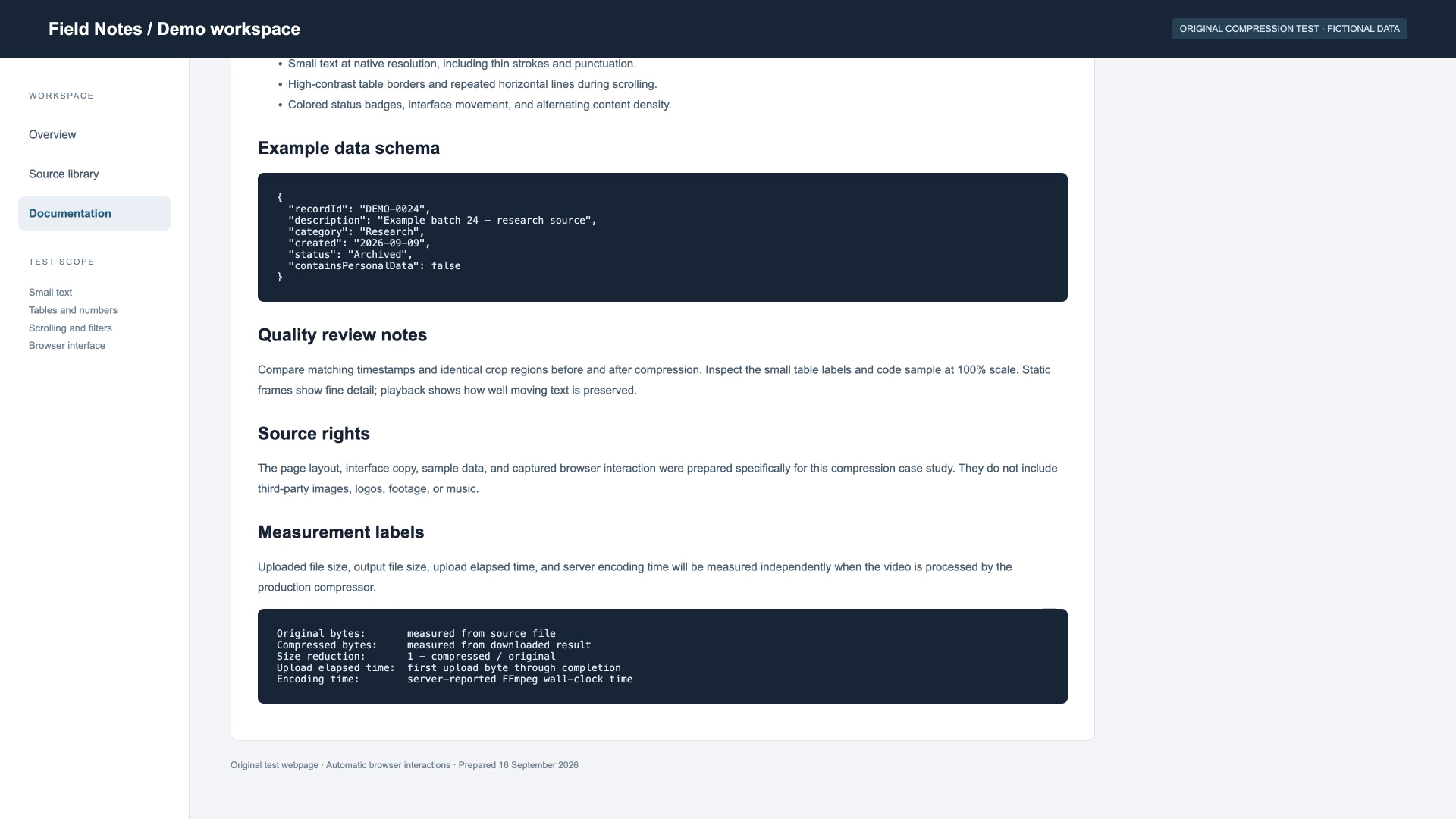
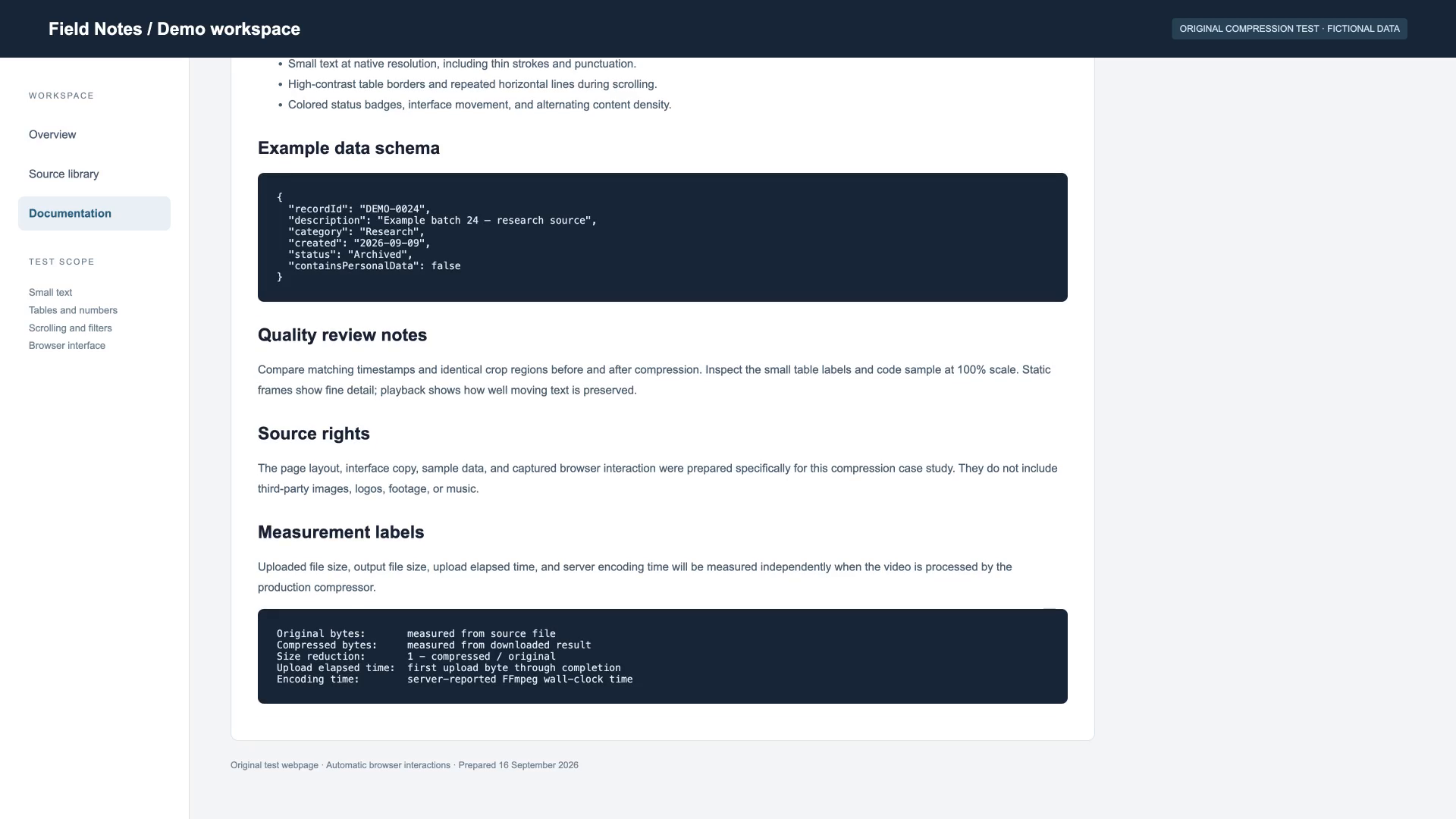
Source: Original test webpage recording · Created for this case study · Original test material
Tested
Source 220.63 MiB → Compressed 73.05 MiB
66.9% smallerA continuous six-minute excerpt from the open movie Sintel, prepared as H.264 MP4 before upload. This run uses a 720p limit, so size savings also reflect a lower resolution.
In a single test on 2026-09-16, this 360-second video went from 220.63 MiB to 73.05 MiB (66.9% smaller) using H.264, CRF 21, fast. Resolution: 1920×818 → 1276×544.


Source: Sintel (2010) — six-minute excerpt · © Blender Foundation | www.sintel.org · CC BY 3.0
One measured run per listed input; results are not an average or a quality guarantee. Times vary with the connection, server load, and source. Upload and encoding are measured separately. 1 MiB = 1,048,576 bytes. Frames show matching points in each video without enhancement. Previews are resized; click either image for the full-resolution PNG. Still images do not demonstrate motion or audio quality. Test method and source licenses
There is no fixed compression ratio. File size depends on duration and bitrate, while the quality at that bitrate depends on the source and encoder settings. The examples below explain the calculation without promising a particular result.
Approximate size in MB = total media bitrate in Mbps × duration in seconds ÷ 8, using decimal units. For example, 8 Mbps of combined video and audio for 600 seconds is about 600 MB, plus container overhead.
For a target size, reverse the calculation to estimate the available bitrate. That budget must cover video, audio, and container overhead. Lowering resolution can help at a tight bitrate, but neither resolution nor target size alone guarantees a particular quality.
Lower average bitrate usually means a smaller file at the same duration. How far you can lower it depends on the picture: fine text, fast movement, and noise may need more data than a simple static scene. Inspect the parts of the clip that matter to you.
Recommended compression keeps the source resolution by default and uses a quality setting, so its output size is not fixed and can sometimes increase. Use target-size compression for a size ceiling, and choose a lower output resolution if the trade-off suits your use.
Recommended and target-size compression produce H.264 video in an MP4 container. This is the default choice for sharing. AAC audio is included when the source has an audio track.
H.265 is an optional advanced output when enabled. Its playback support depends on the receiving device or app, and it cannot be selected for target-size compression. Keep H.264 when you are unsure what will play the result.
Include audio in your size budget. At an example bitrate of 256 kbps, audio alone takes about 1.92 decimal MB per minute, excluding container overhead. That is 3.84 MB for a two-minute clip before video is counted.
The result uses AAC when the source has an audio track. Silent source videos do not need an audio budget. If you want to remove sound, do that in an editor before uploading; this compressor does not offer an audio-removal control.
Calculation examples only: assume a combined video-and-audio bitrate of 4 Mbps, decimal MB, and no container overhead. Duration = MB × 8 ÷ 4. Real files need room for overhead, and these values do not predict visual quality or platform acceptance.
| Target size | Duration at 4 Mbps | Common use |
|---|---|---|
| 10 MB | 20 seconds | Short chat clips |
| 25 MB | 50 seconds | Short demos and attachments |
| 100 MB | 3 minutes 20 seconds | Longer demos |
| 500 MB | 16 minutes 40 seconds | Longer recordings |
Compression cannot recover detail missing from the original. Re-encoding an already compressed file may provide little saving and can add visible artifacts. Extremely small targets may need a shorter clip, a lower resolution, or a larger size budget.
Visitor and free-account source videos are capped at 1 GiB. Starter allows up to 2 GiB and Pro up to 5 GiB when that capacity is enabled; otherwise the limit is 1 GiB. Use the limit shown by the upload area. Larger files need to be shortened or re-exported in an editor first.
Quality, limits, formats, and what happens to your file when you use the video size reducer.
Upload a supported MP4, MOV, WebM, or MKV to the video size reducer, choose your settings, and compare file sizes before downloading the MP4.
Reduce video size