
Your destination accepts 10 MB
Use the 10 MB target as your starting point. Preview small text, faces and motion in the result before uploading it to your destination.
VIDEO COMPRESSOR
Start with a 10,000,000-byte upper bound. Keep the original resolution for screen text; shorten long clips if a 10MB budget loses too much detail.
Server-side compression · SDR MP4, MOV, WebM and MKV · Upload up to 1 GiB on the free plan.
Eligible new accounts: 30 credits once, valid 30 days; visitor usage deducted. Pricing
Target file size (MB)
Aim for 10 MB or less
MP4 · H.264 · ≤ 10 MBMP4 · H.264 · ≤ 10 MB · Original · Fast
Checking compression access...
Choose a starting point
Start from the destination’s requirement, then check the parts of your video that matter most. A size target alone cannot predict picture quality.
Use the 10 MB target as your starting point. Preview small text, faces and motion in the result before uploading it to your destination.
Try 9.5 MB when you want to stay below a 10 MB cap. It leaves less room for detail, and it does not cover unrelated platform rules or guarantee acceptance.
If readability matters more than keeping the whole clip, trim it in a video editor first. Otherwise, increase the size only when your destination allows it. Changing resolution does not shorten the video.
These buttons change only the size target and select target-size mode. Your file and resolution setting stay in place; uploading starts only when you choose Start Compression.
Planning example
Longer videos have a smaller average data budget per second. Motion, fine text and texture also affect how much detail can survive compression.
| Video length | Approximate total bitrate budget |
|---|---|
| 30 seconds | 2.67 Mbps |
| 60 seconds | 1.33 Mbps |
| 120 seconds | 0.67 Mbps |
| 300 seconds | 0.27 Mbps |
Calculated as 10,000,000 bytes × 8 ÷ duration. The budget covers video, audio and container overhead, so the available video bitrate is lower. These are estimates, not measured output or quality predictions.
Check the downloaded file, not the original, and confirm that target-size mode was used. Try 9.5 MB for headroom and verify the new result before uploading.
Use the original file for another attempt. Try a shorter clip first; for phone viewing, a lower resolution may be worth comparing, while screen recordings need careful text checks.
You may be able to use the original without another compression pass. Check whether your destination accepts its format; file size and format compatibility are separate requirements.
Measured on 2026-10-23 using the public website. Each source was submitted once in target-size mode. The byte counts below come from the downloaded MP4 files.
This source went from 13.27 MB to 9.48 MB with a 10 MB target: 28.5% smaller.
Settings: target-size mode · H.264 MP4 · Fast · Keep original
Credits used: 8
The screen fixture repeats our original 60-second fictional webpage recording four times using stream copy, making 240 seconds without padding or increasing bitrate. It is a prepared test fixture, not a newly recorded four-minute session.
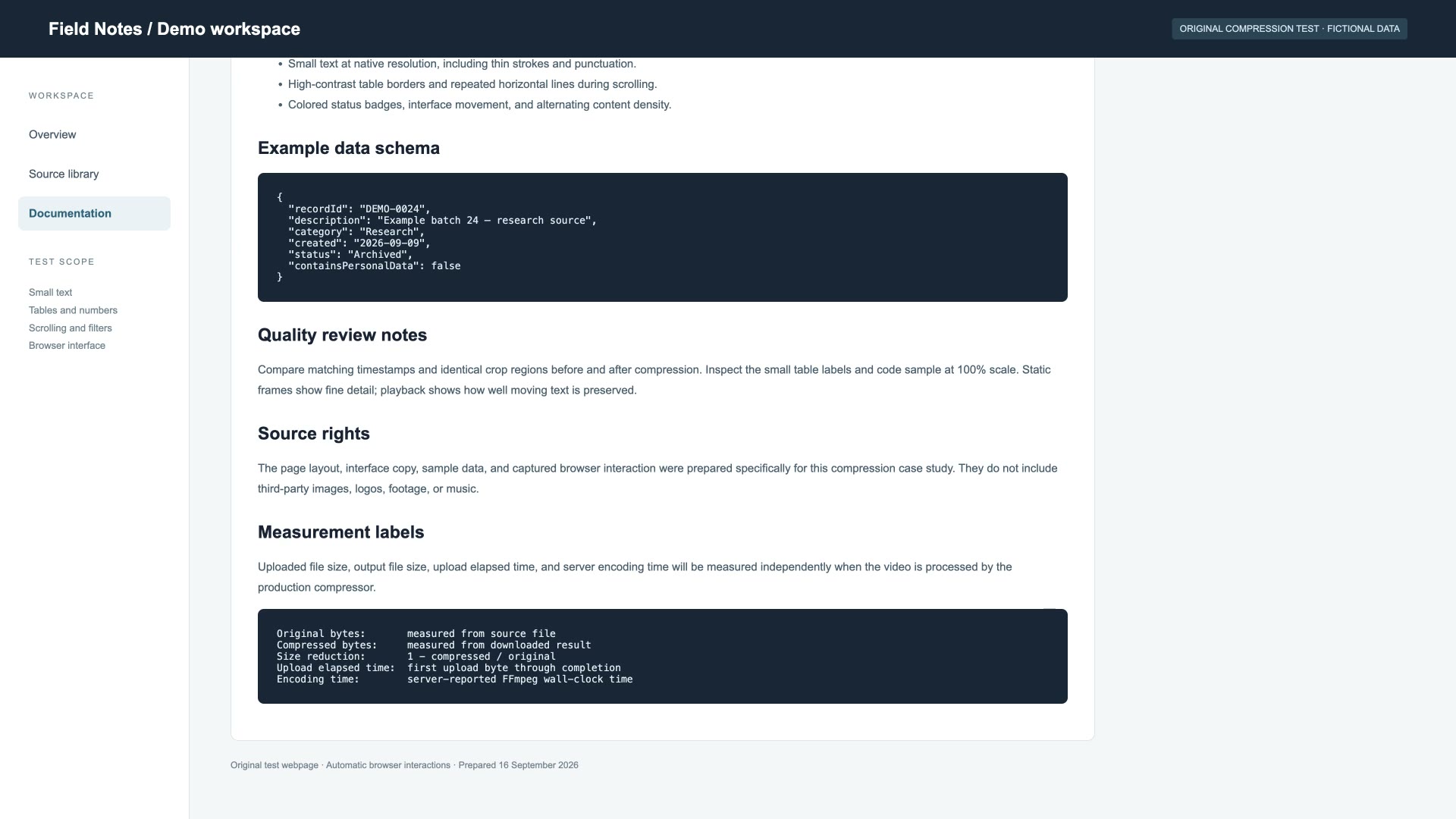
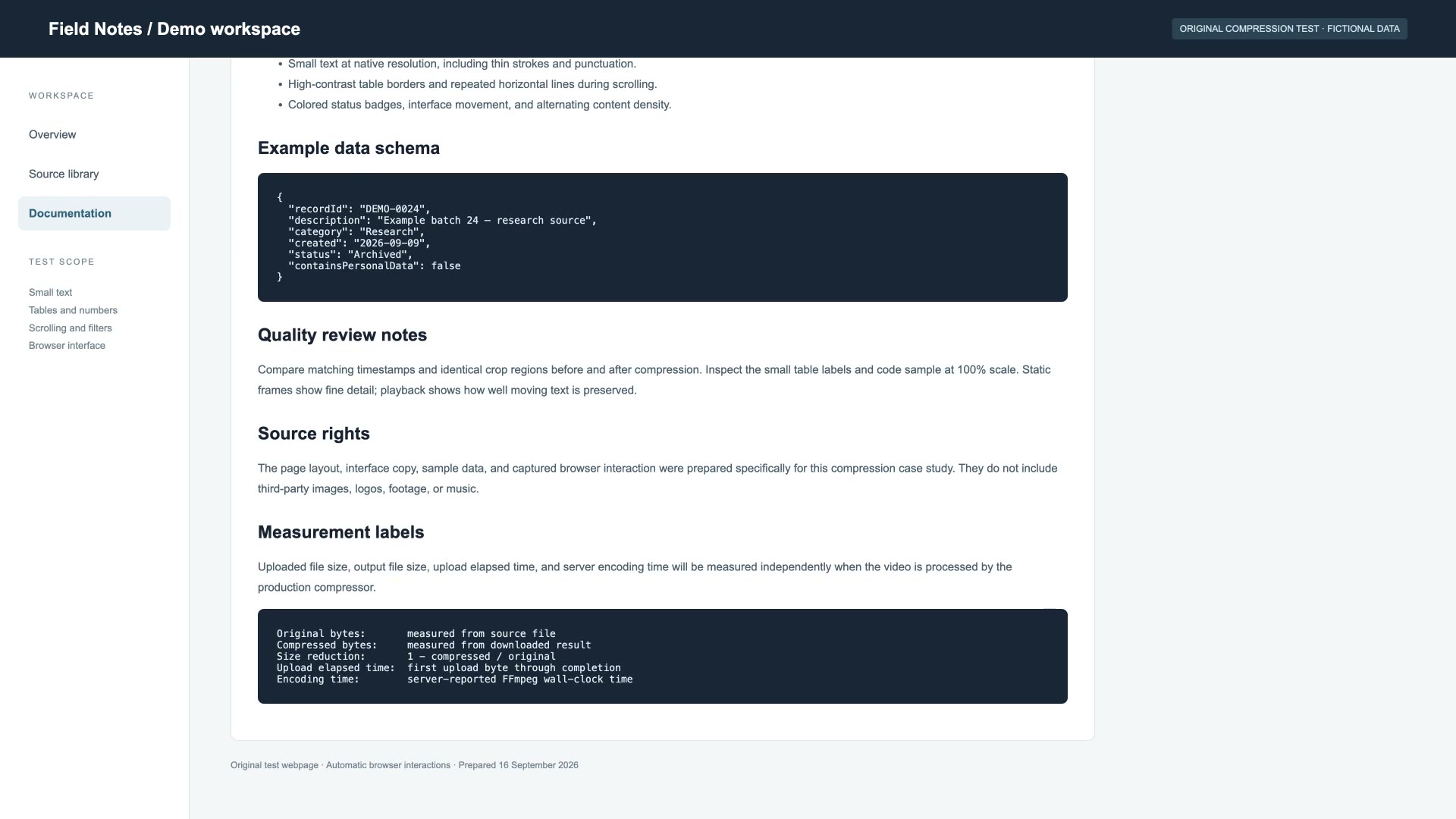
Original recording of a fictional webpage, prepared by repeating the original four times with stream copy. · Source and attribution · Test method and licenses
These individual tests do not predict other videos, prove acceptance by Discord or an email provider, or establish an 8MB result. MB means 1,000,000 bytes. Timings and server telemetry were not independently captured for these runs.
Steps, source requirements, and file-size checks before sharing.
Measured service runs with exact bytes, settings, and clearly stated test limits.
Sources, timing definitions, matching frames, and the limits of each result.
Choose your own size limit in MB. Start at 25MB, change the target in settings, or use a shortcut below. Download a compatible MP4 when compression succeeds.
Follow the current controls, check units and verify the downloaded file.
Check the compression mode, the file you selected and the destination’s actual limit.